

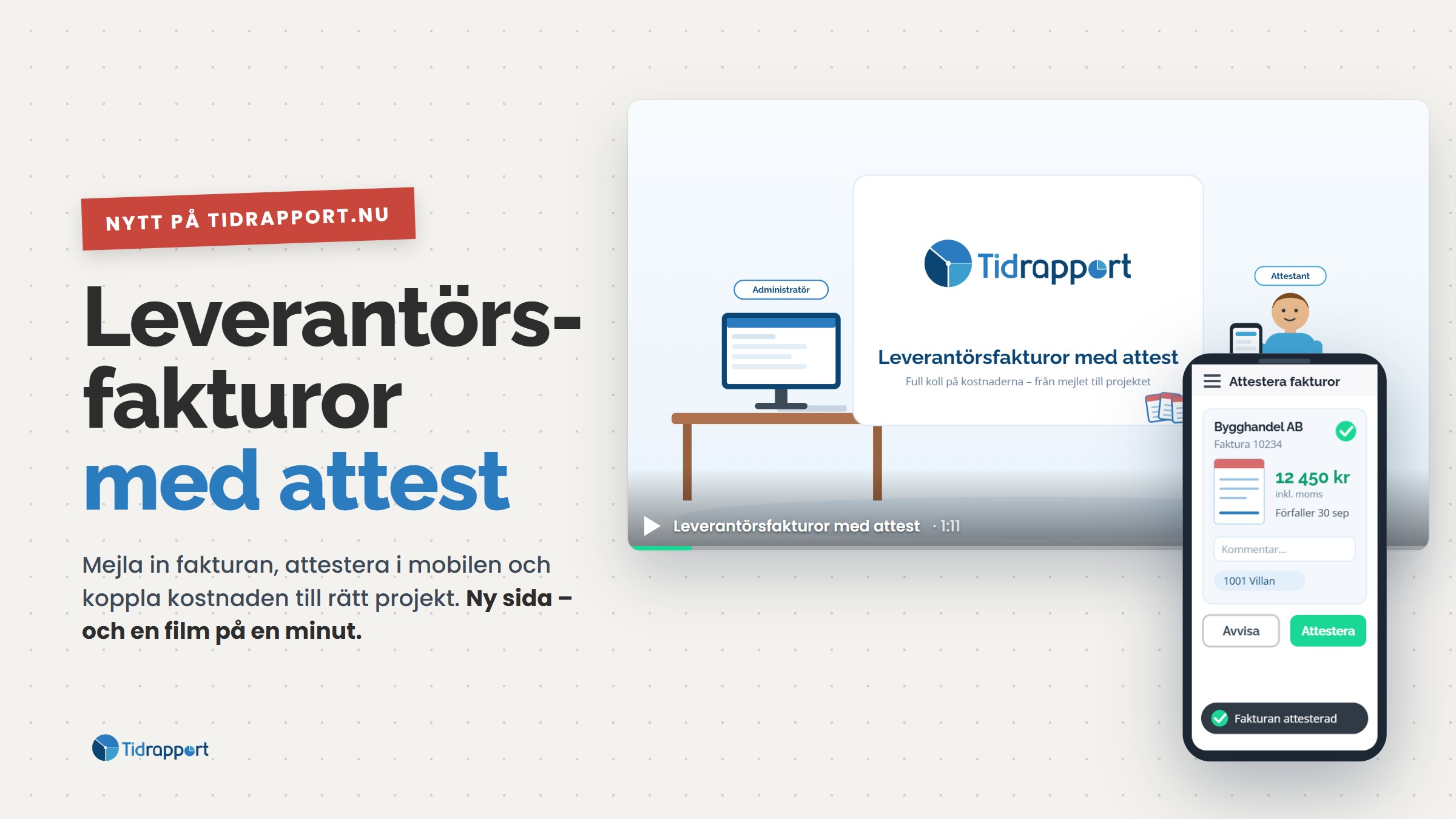
Email the invoice in, let Tidrapport read it, approve it on your phone and link the cost to the right project. No invoices slipping through – and far less time at the computer.
Supplier invoices have a tendency to get paid without anyone really checking them. They arrive by email, someone prints them, someone else has to approve them, and once the invoice is paid nobody really knows which project the cost belonged to. That is exactly what we want to change with Supplier invoices in Tidrapport.
The invoice finds its own way in
Forward the invoice email to faktura@tidrapport.nu – or upload one or more PDFs on the web – and Tidrapport reads the invoice automatically: supplier, invoice number, amount, VAT, due date, bank giro and OCR number. If the invoice has a QR code it is used, and the system learns your suppliers with every invoice that passes through. The same invoice arriving twice is stopped before it is registered.
The right person gets it straight away
If your name is the reference on the invoice, it is automatically assigned to the right approver, who gets an email saying there is an invoice to look at. If it is forgotten, Tidrapport sends a reminder – you decide how often.
Approve on your phone, between two jobs
The approver opens the invoice in the app, sees the PDF and the amount, and approves or rejects it with a comment. It takes seconds – on site, in the van or over coffee. Need more eyes on larger amounts? Approval runs in up to three levels. The administrator always sees what is pending, what is approved and what is paid, and can mark whole batches as paid at once.
The cost lands on the right project
An approved invoice is linked to one or more projects, to a vehicle in the mileage log or to a machine in the KMA register. The cost then shows up where it belongs – in the project's finances, next to the hours and the materials – before the invoice is even paid. That gives you a quick overview of the company's costs – without waiting for the bookkeeping.
Getting started
The feature is included in Tidrapport and is enabled under "My company → Settings → Invoicing → Supplier invoices". Turn on the approval flow, choose the number of levels and start emailing invoices in.
Watch the one-minute film on how the flow works. Would you like a walkthrough? Get in touch!